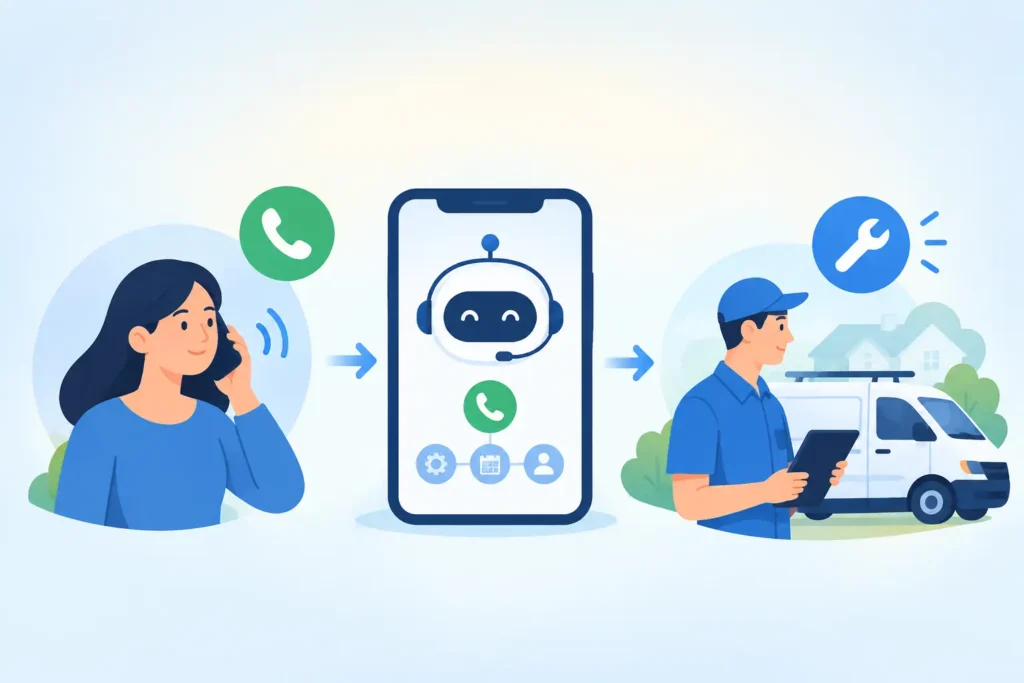
A homeowner with a burst pipe does not wait until your crew finishes the current job. They call the next plumber. Phone lead automation protects the revenue behind those moments by responding when you cannot, collecting the right details, and moving serious callers toward a booked job.
Phone lead automation uses AI and automated follow up to respond to inbound calls, qualify prospects, and book appointments before leads call a competitor. For a local service business, it turns missed calls, after hours inquiries, and slow callbacks into faster conversations that can produce more jobs.
Why do missed calls cost service businesses so much?
A missed call is rarely just a missed call. It is often someone with an immediate problem, a working phone, and a short list of companies to contact. If you are under a sink, driving between jobs, or handling an estimate, you may not return that call for 30 minutes. For an emergency plumber or locksmith, 30 minutes can be the entire buying decision.
The cost adds up quickly. Recovering just 1 water heater replacement worth $1,500 can cover a month of automation for many businesses. The bigger issue is not only the leads you know you missed. It is the callers who never leave a voicemail, never submit a form, and never give you a second chance.
Phone lead automation gives every inquiry a next step. Instead of hoping your office catches up, the system can acknowledge the customer immediately, ask what they need, and keep the conversation moving while your team stays focused on the work in front of them.
What does phone lead automation actually do?
The best setup is not a generic chatbot reciting scripted answers. It follows the way a real service office qualifies and schedules work. It recognizes whether a caller needs emergency help, a standard repair, an estimate, or an answer before booking.
For example, a customer who calls after hours about a failed furnace can receive a text within minutes asking for their ZIP code, the equipment issue, and whether there is an immediate safety concern. If the job fits your service area and availability, the conversation can move toward an appointment. If it needs a human decision, your team gets the context instead of starting from zero the next morning.
A complete workflow usually covers 5 moments: missed call response, lead qualification, appointment or estimate booking, follow up on open conversations, and review requests after work is complete. The goal is simple: fewer dead ends between first contact and a scheduled job.
When should you automate calls, texts, and follow up?
You do not need to automate every customer interaction. A longtime commercial client with a complicated issue may need your service manager. A high value remodel estimate may deserve a personal call. Automation is most valuable where speed and consistency matter more than a lengthy conversation.
Start with inbound calls your team cannot reliably answer. That includes calls during active jobs, lunch, weekends, evenings, and the first 15 minutes after a missed call. If your office receives 20 inquiries a week and even 2 disappear because nobody responds fast enough, the lost revenue can be meaningful.
Text is often the right first move after a missed call because customers can answer while at work, with kids, or standing in a damaged basement. Voice AI can also handle common call flows, but it depends on your customer base and the complexity of your scheduling rules. A roofing company may prioritize estimate requests, while a garage door company may need to sort same day emergencies from routine tune ups.
How does the workflow turn calls into booked jobs?
Strong phone lead automation follows a practical sequence. It responds fast, identifies the service need, gathers job details, and offers the next appropriate action. Every question should help your team decide whether to book, dispatch, quote, or follow up.
Speed comes first. A response in the first few minutes tells the customer they reached a business that is available and organized. Then the system asks only what matters, such as location, service type, urgency, preferred timing, and photos when they help assess the issue.
Next comes routing. An emergency restoration request might be sent for immediate dispatch. A landscaping prospect may be offered an estimate window. A pest control customer may be prompted to choose a treatment appointment. The customer should never feel trapped in a long questionnaire just to get help.
Finally, automation follows up. Not every qualified lead books on the first exchange. A prospect may need to check with a spouse, confirm access to the property, or compare appointment times. A thoughtful follow up message 24 hours later can bring that conversation back without requiring your staff to remember every open thread.
What should you measure before you invest?
Do not judge phone lead automation by how many messages it sends. Judge it by recovered opportunities and booked work. Your first baseline should include missed calls per month, average callback time, booked jobs from inbound leads, and the average value of a new job.
If you miss 12 calls a month and convert only 3 of them into $400 service jobs, that is $1,200 in recovered revenue. For many owners, that makes the decision straightforward. You do not need a complicated spreadsheet to see whether faster responses are paying for themselves.
Track lead quality too. If the system is filling your calendar with work outside your service area or jobs you do not perform, the qualification questions need adjustment. Good automation is not about more conversations at any cost. It is about more of the right conversations reaching your crew.
How can you set up phone lead automation without adding work?
The setup should fit your operation, not force your operation into generic software. Your service area, service list, hours, emergency rules, scheduling availability, and escalation contacts all shape the workflow. Getting those details right upfront prevents poor handoffs later.
MinuteLead, an AI agent platform for local service businesses, can deploy a team of 8 AI agents within 48 hours. There is no app and no dashboard for a busy owner to learn. The focus is on answering inquiries, qualifying leads, booking jobs, and following up based on the rules your business already uses.
Pricing should also be measured against recovered work, not software features. Plans ranging from $297 to $1,297 per month may sound like another operating cost until one recovered HVAC repair, drain cleaning job, or electrical service call covers the plan. The real question is how much revenue currently goes unanswered.
What should you automate first?
Begin with the point where leads are falling through today: the missed call. Set a fast text response, collect the 3 or 4 details your dispatcher needs, and make sure qualified customers have a clear way to book or request a callback. Once that works, add after hours coverage and follow up for unbooked estimates.
Keep the customer experience human. Use plain language, identify your company, and make it easy to reach a person when the situation requires it. A homeowner with a gas smell should not navigate a long automated exchange. They need the right emergency instruction and a fast escalation.
The best system feels simple from the owner’s side. Your team sees better context, customers get faster answers, and fewer opportunities disappear while everyone is busy doing the actual work. Start with the calls you cannot answer today, because those are often tomorrow’s jobs.
Frequently asked questions
What is phone lead automation?
Phone lead automation is a system that responds to calls and missed calls, collects lead details, and guides customers toward booking or a callback. It can operate 24 hours a day, helping local service businesses capture inquiries when office staff or technicians are unavailable.
Can phone lead automation book appointments?
Yes. When connected to your business rules and available appointment windows, it can qualify a lead and offer an estimate or service time. A 10 minute scheduling delay can send an urgent prospect elsewhere, so fast booking is especially useful for home services.
Will automation replace my office staff?
No. It handles repetitive first responses and follow up so your staff can focus on exceptions, complex jobs, and customers who need a real conversation. A good system escalates the right calls instead of pretending every service request can be solved automatically.
What does missed call text back cost for a plumber in Dallas?
Cost depends on call volume, coverage, and booking needs. Plans can range from $297 to $1,297 per month, plus onboarding. For a Dallas plumber, one recovered emergency repair or water heater job can often cover the monthly cost.
How quickly can phone lead automation go live?
A properly configured setup can go live in 48 hours when your service area, job types, hours, and escalation rules are ready. The fastest launches start with missed call text back, then expand into after hours qualification and appointment follow up.